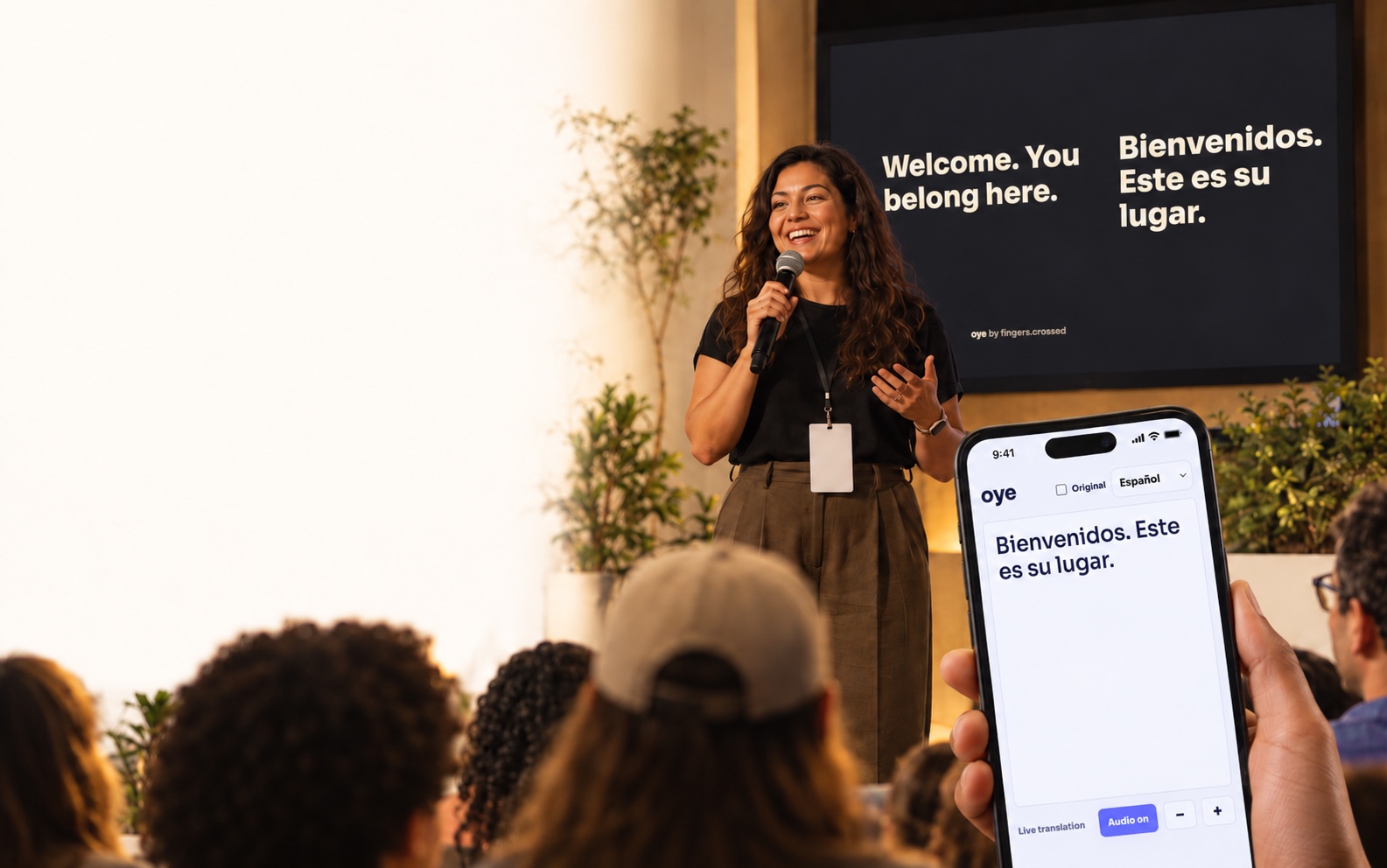
Read live translated text
Follow the words as the speaker talks. Attendees can adjust the text size on their own phone.
Live translation for church services
Welcome more people into worship, sermons and shared moments. They scan your QR code, choose a language, then read or listen on their own phone.
No app for attendees. Phone text and audio on paid plans.
Scan a QR code → Choose a language → Read or listen
A simple welcome
No extra app to explain at the door. Attendees open the audience page in their phone’s browser, with no guest account to create.
Share Oye’s audience QR code on a screen or a printed welcome sheet.
Each person chooses from the translation languages you have enabled for the service.
Follow live translated text, turn on translated audio through headphones, or use both.
Follow the words as the speaker talks. Attendees can adjust the text size on their own phone.
Use headphones to hear the spoken translation while staying with the service. Audio starts when the attendee turns it on.
For your church team
Run Oye from a computer browser. Feed it clear speech, choose your translation languages, and share your audience link.
Create your accountUse a microphone or a compatible audio input from your church sound system. Check the signal and internet connection before the service.
Oye detects the supported language being spoken. You choose the translation languages your congregation can receive.
Let people read or listen from their seats. You can also show translated captions on a projector or use broadcast subtitles.
Plan for your services
All three paid plans include two simultaneous translation languages, phone access, text and spoken audio. No per-listener charge.
$33/ month
6 live translation hours
For a smaller monthly schedule.
Choose Essential$67/ month
14 live translation hours
For regular services and gatherings.
Choose Growing$134/ month
30 live translation hours
For a fuller calendar of services.
Choose PlusOne live translation hour covers all languages on your plan at the same time. Additional languages and explicitly purchased extra hours are available. Compare all options and calculate your usage ↗
Before Sunday
No. They scan your QR code or open the audience link, then choose their language in a browser. Phone audience access requires a paid plan.
Yes. The audience page shows live translated text and has an audio control. Attendees can use headphones to listen without disturbing the people around them.
Test your microphone or sound-system input, your internet connection, and the translation languages you plan to use. Try the audience link on a phone, including headphones for audio.
Oye uses automatic speech recognition and translation, which can make mistakes and has a delay. Clear speech, one speaker at a time and a good microphone signal help. Review important wording and do not rely on it as certified interpretation.
Yes. Projector captions and the separate broadcast subtitle output can support your service alongside the phone audience experience. Check your display and video setup before using them live.
No. Free is an ongoing screen-caption plan. Phone audience text and audio are included in the paid plans. The public one-minute voice demo lets you try translation before choosing a plan.
Make room for more languages
Try Oye with your own voice before your next service.
Try the one-minute demo